There are no items in your cart
Add More
Add More
| Item Details | Price | ||
|---|---|---|---|

5.0 (15 ratings)
Language: English
Instructors: Anjaneya Puli
Why this course?
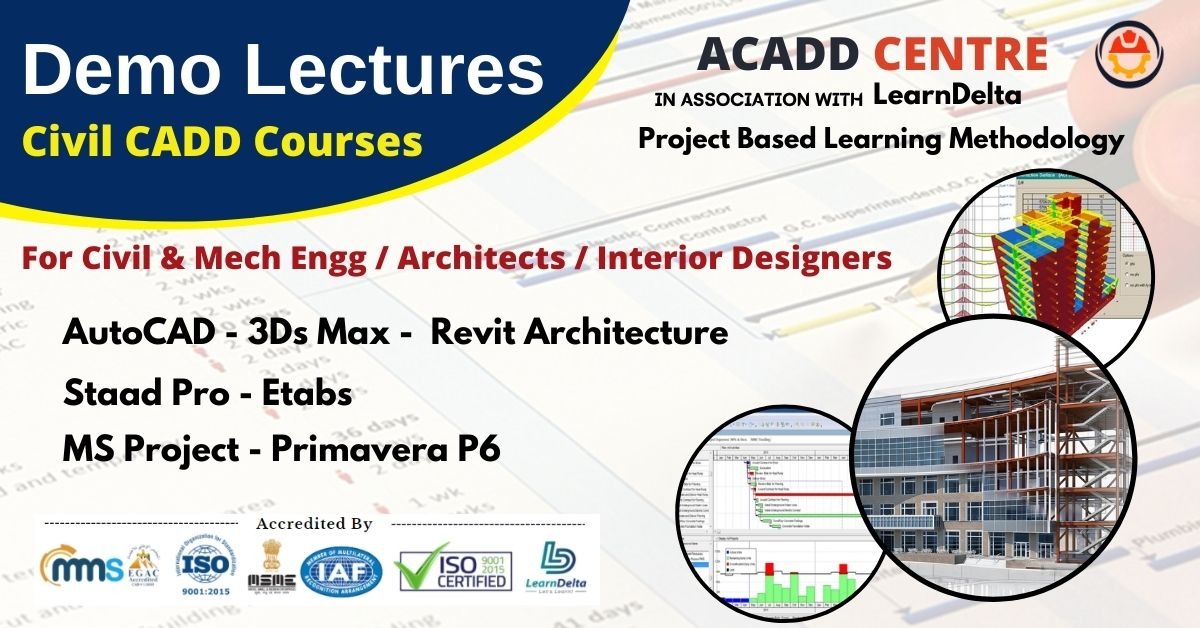
| AutoCAD 2D - Demo Videos & PDFs | |||
| Understanding the plan & Drawing walls (13:00) | |||
| Doors & Windows (21:00) | |||
| Staircase Plan (6:00) | |||
| Downloading Interior Blocks from Google (4:00) | |||
| Elevation (Front View) (16:00) | |||
| Section of a G+2 Building (28:00) | |||
| PDF- Ground Floor Plan - Wall Drawing (1 pages) | |||
| PDF-Interior Blocks (1 pages) | |||
| PDF-Elevation (Front View) (1 pages) | |||
| PDF-Section of G+2 Building (1 pages) | |||
| 3Ds MAX - Demo Videos & PDFs | |||
| Live _3Ds Max_Class_Vray_room_demo (47:00) | |||
| Live _3Ds Max_Class_Vray_room_demo2 (51:00) | |||
| Understanding Default User Interface of 3Ds Max (6:00) | |||
| Customizing the workspace of 3Ds Max (7:00) | |||
| Move-Rotate-Scale-Clone (12:00) | |||
| Create a Sample Sofa using Standard & Extended Primitives (7:00) | |||
| PDF-Assignment on Sample Sofa using Standard & Extended Primitives (1 pages) | |||
| Revit - Demo Videos | |||
| History of Revit Software (3:00) | |||
| Understanding Default User Interface of Revit 2021 (8:00) | |||
| Creating a Basic Wall in Revit 2021 (6:00) | |||
| Creating a wall with 150-230-300mm thickness (3:00) | |||
| Understanding Components in Revit (5:00) | |||
| Ceiling Lights in Revit Architecture (12:00) | |||
| SketchUp | |||
| SketchUp_Materials (36:00) | |||
| SketchUp + Vray Lights 2 (25:00) | |||
| Staad Pro - Demo Videos | |||
| Introduction To Structural Engineering (10:00) | |||
| Understanding the User Interface, New-Open-Save-SaveAs-Close-Exit the STAAD.Pro file. (8:00) | |||
| Analysis of a Simply Supported Beam-01 (9:00) | |||
| Analysis of a Simply Supported Beam-05 (6:00) | |||
| Etabs - Demo Videos | |||
| What is ETABS – History – Uses – Advantages - System requirements for ETABS ? (4:00) | |||
| Customizing User Interface of ETABS (5:00) | |||
| Analysis of a Simply Supported Beam-03 in etabs (7:00) | |||
| Applying Dead load and Live load on slabs (5:00) | |||
| MS Project - Demo Videos | |||
| Customizing the User Interface of MS Project (7:00) | |||
| How to Link, Unlink, Split,Inactive & Add notes the selected Tasks? (5:00) | |||
| Updating the Project. Enter Actual % Complete. Find BCWS-BCWP-ACWP-SV-CV? (8:00) | |||
| Primavera P6 - Demo Videos | |||
| History & Advantages of Primavera P6 (3:00) | |||
| Understanding the User Interface of Primavera P6 (7:00) | |||
| Scheduling a Project,Critical Path, Early Start, Early Finish, Late Start, Late Finish, Total Float, Project Duration. (9:00) | |||
| Your feedback | |||
| demi12333 | |||
After successful purchase, this item would be added to your courses.You can access your courses in the following ways :
 Launch your Graphy